What geofencing means in a smart home
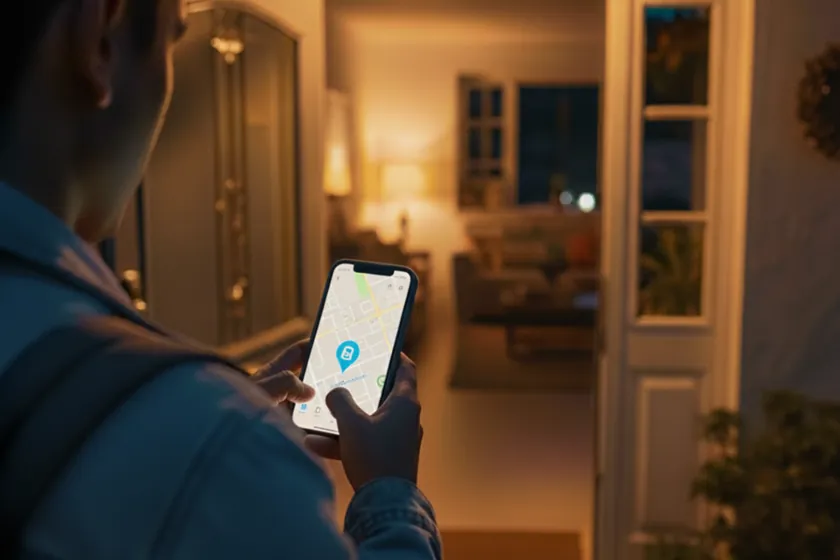
A geofence is a virtual boundary around a location. When an authorized phone crosses that boundary, a smart-home platform can treat the event as an arrival or departure. That event can become the trigger for a scene: selected exterior lights turn on after sunset, climate returns to a comfortable setting, music becomes available, or the house prepares for an Away mode after the last person leaves.
The phone does not tell the home that a person has stepped through the front door with room-level precision. Location services, cellular conditions, Wi-Fi and background permissions can all affect timing. Good automation therefore uses geofencing as a useful signal—not as the only proof for a security-critical action.
Control4: turn presence into a complete scene
Control4 is valuable when an arrival should coordinate more than one product. A professionally programmed Welcome scene can combine compatible lighting, shades, climate, audio and notifications behind one clear action. The exact method used to pass an arrival or departure event into Control4 depends on the installed system, software, subscriptions, drivers and the phone ecosystem selected for the project.
We normally separate convenience from security. An arrival may illuminate a path and adjust common areas, while unlocking a door or disarming an alarm should require an intentional, authenticated action unless the security manufacturer and project design explicitly support a safe workflow. This keeps a convenient scene from becoming an unnecessary access risk.
Apple Home and iPhone arrival automations
Apple Home supports automations based on people arriving at or leaving a location. Owners can choose which household members matter, the location and the time window, then select a scene or compatible accessories. This is useful for households already centered on iPhone, Apple Home and Siri, especially when simple location-based actions are the priority.
For a professionally integrated home, Apple Home can be one interface within a broader control strategy. Control4 currently promotes Apple HomeKit and Siri integration, but available commands and exposed devices still depend on the system configuration. We confirm what can be controlled before promising that an Apple automation will operate every subsystem.
Google Home presence sensing
Google Home can use a phone's geofence and home Wi-Fi connection, together with supported device activity, to estimate whether someone is home. Presence-based Home and Away automations can then adjust supported lights, plugs, thermostats, cameras and other devices. Every participating household member should configure their own phone correctly; a phone left behind or excluded from presence sensing can make the home state inaccurate.
Google's model is helpful because it can combine more than one signal, but presence still needs careful testing. Pets, device activity, permissions and network behavior can change the result. In a Control4 project, Google Assistant and Google Home may also provide voice control for supported devices and scenes; exact integration requirements are verified against the current Control4 service plan and software.
A reliable arrival and departure design
Start with two questions: what should happen when the first person arrives, and what should happen only after everyone leaves? Then add conditions such as daylight, time, alarm state, occupancy and a short delay. A strong Welcome scene might illuminate the entry after sunset and restore comfort; a careful Away scene can turn off nonessential loads, lower shades and send an alert if a garage door remains open.
At Skynet Domotics, we design and test these workflows around the property and the household. We review phone ecosystems, Control4 programming, network coverage and privacy preferences, then document what is automatic and what still requires confirmation. The result should feel helpful without making the home unpredictable.
How we apply this
At Skynet Domotics, we design, install and program control platforms. We first define routines, rooms, existing equipment, privacy preferences and support expectations, then verify which platform and integrations fit best. Our recommendation is not based on one brand alone and is documented by model, software version and scope.
Explore the related service or request an assessment for your home.