
Design from the floor plan
Square footage alone does not predict coverage. Concrete, metal, impact glass, mirrors, cabinetry and equipment rooms change radio behavior. Mark high-priority areas—offices, bedrooms, media rooms, patios and camera locations—then estimate access-point cells. Ubiquiti’s design guidance stresses that real installations vary and should be measured before, during and after deployment.
Use a wired backbone
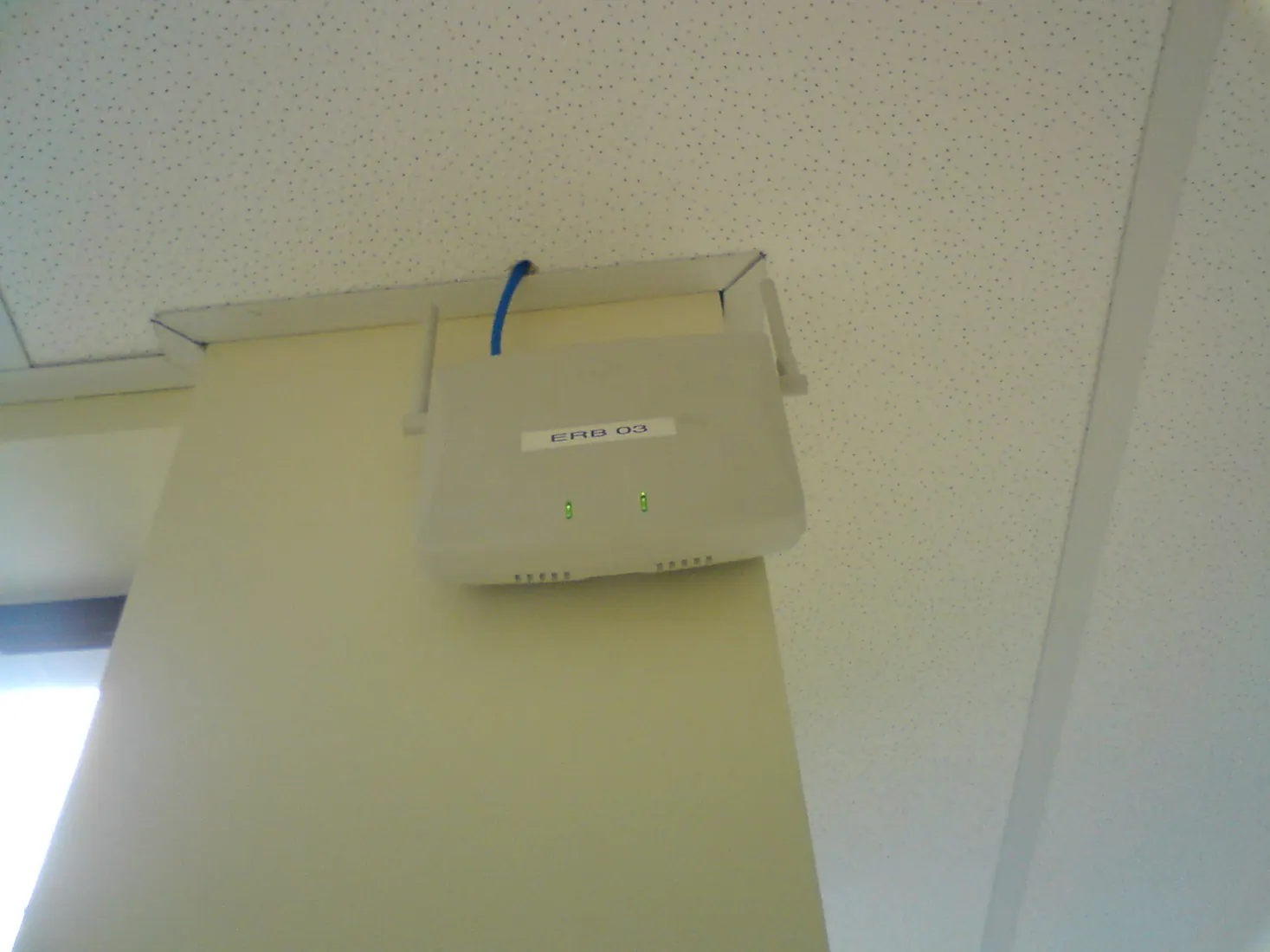
Run Cat6 or Cat6A to ceiling access-point locations and fixed high-bandwidth equipment. Include structured cabling, spare runs, labeled centralized terminations and conduit where practical. Wired backhaul preserves wireless airtime for phones, laptops and smart-home devices; wireless mesh links are useful when cabling is impossible, but they add another radio hop.
Plan bands, channels and power
2.4 GHz generally reaches farther and serves many IoT devices, while 5 GHz and 6 GHz offer more capacity with shorter effective reach. More access points are not automatically better: overlapping cells using the same channel create co-channel contention. Channel width, transmit power and placement should be tuned as one system after measurements.
Separate users and devices
A managed network can isolate guest and IoT traffic from trusted computers while still allowing specifically required integrations. The exact VLAN and firewall design must preserve discovery and control functions used by audio, automation and casting. Document SSIDs, addressing, switch ports, PoE budgets and administrative access so service does not depend on memory.
Commission and maintain it
Test signal, interference, throughput and roaming in representative locations, including outdoor zones. Keep controller, switches and access points on supported firmware and back up configuration before changes. For a South Florida residence with remote work, streaming, cameras and automation, the correct target is predictable application performance—not the largest speed-test number beside the router.
How we apply this
At Skynet Domotics, we design the network as infrastructure for the complete system. We review plans, construction materials, cabling, rack conditions, outdoor areas and critical devices before specifying access points, switches and segmentation. The design is documented to simplify daily use, maintenance, and future expansion.
Explore the related service or request an assessment for your home.
Wi-Fi for large homes · Request a consultation
Image credit: Rodrigo César — Public domain